
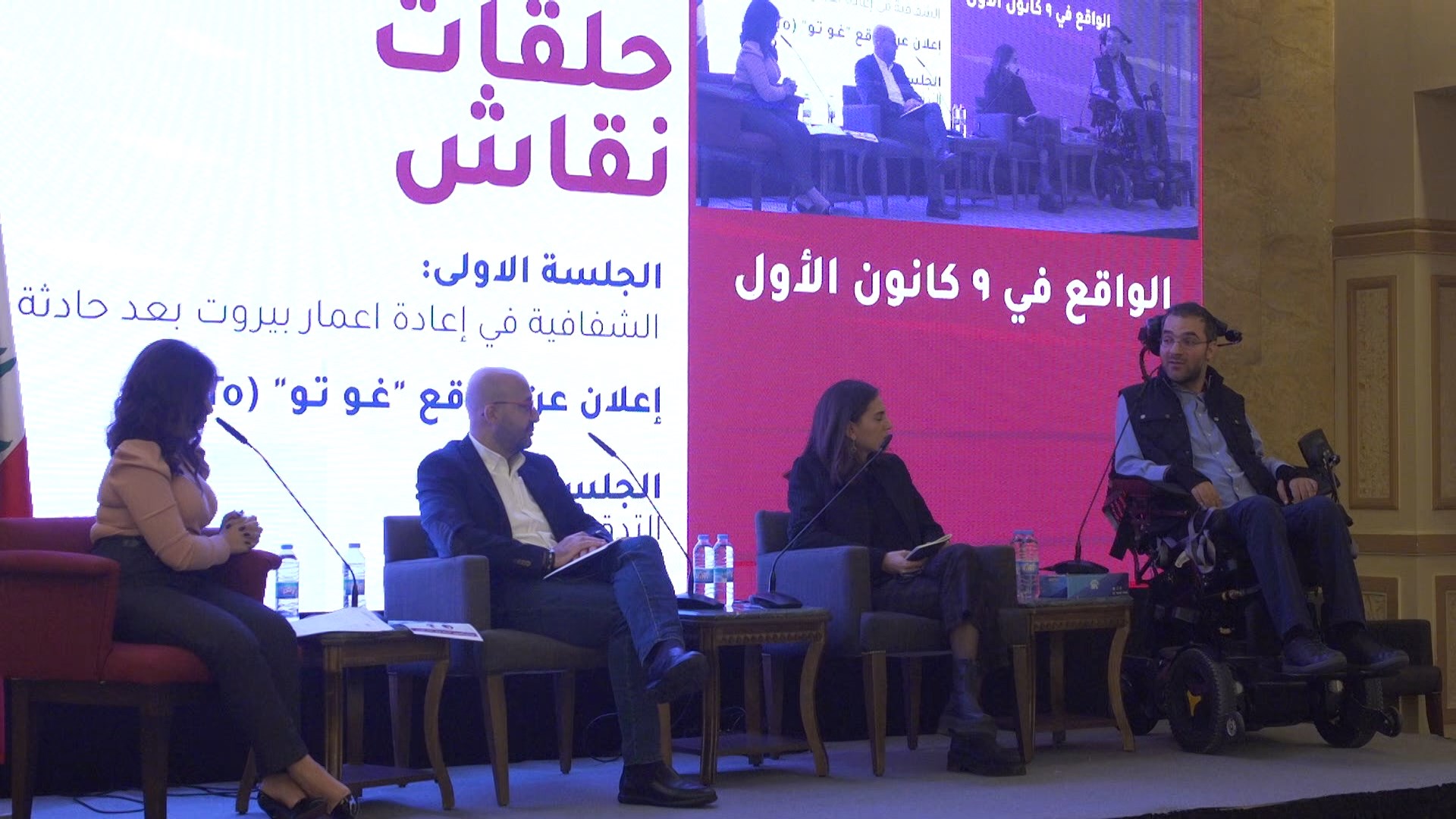
Hybrid event live streaming in Lebanon means running one event for two audiences at once: the people in the room and the people watching online, with some speakers in the room and some joining from elsewhere. It works when the online audience is planned as a real audience, not an afterthought. This guide covers the parts that decide whether it works: remote speakers, slides, questions, internet, captions and a plan for when something fails.
We are Fine Line Production in Beirut. Live coverage and streaming is one of our core services, and we have streamed conferences, graduations and webinars for organizations including the Agence Universitaire de la Francophonie, Phoenicia University, the Peace Research Institute Oslo, Mercy Corps, the Friedrich Naumann Foundation and Jusoor. If you want the basics first, read how live streaming works for events. This article goes one step further, into the hybrid format.
What is a hybrid event, and how is it different from a stream?
A plain live stream points cameras at a stage and sends the picture out. A hybrid event is built around two-way traffic. A panelist who could not travel appears on the room's screen and answers the moderator. A viewer at home sends a question and it is read out on stage. The online audience is part of the program, not a window onto it.
That changes the planning. A pure stream has one question: what do viewers see? A hybrid event has three: what does the room see, what do the online viewers see, and what do the remote speakers see and hear? Those are three different outputs, and each can fail on its own.
How do remote speakers join a live conference?
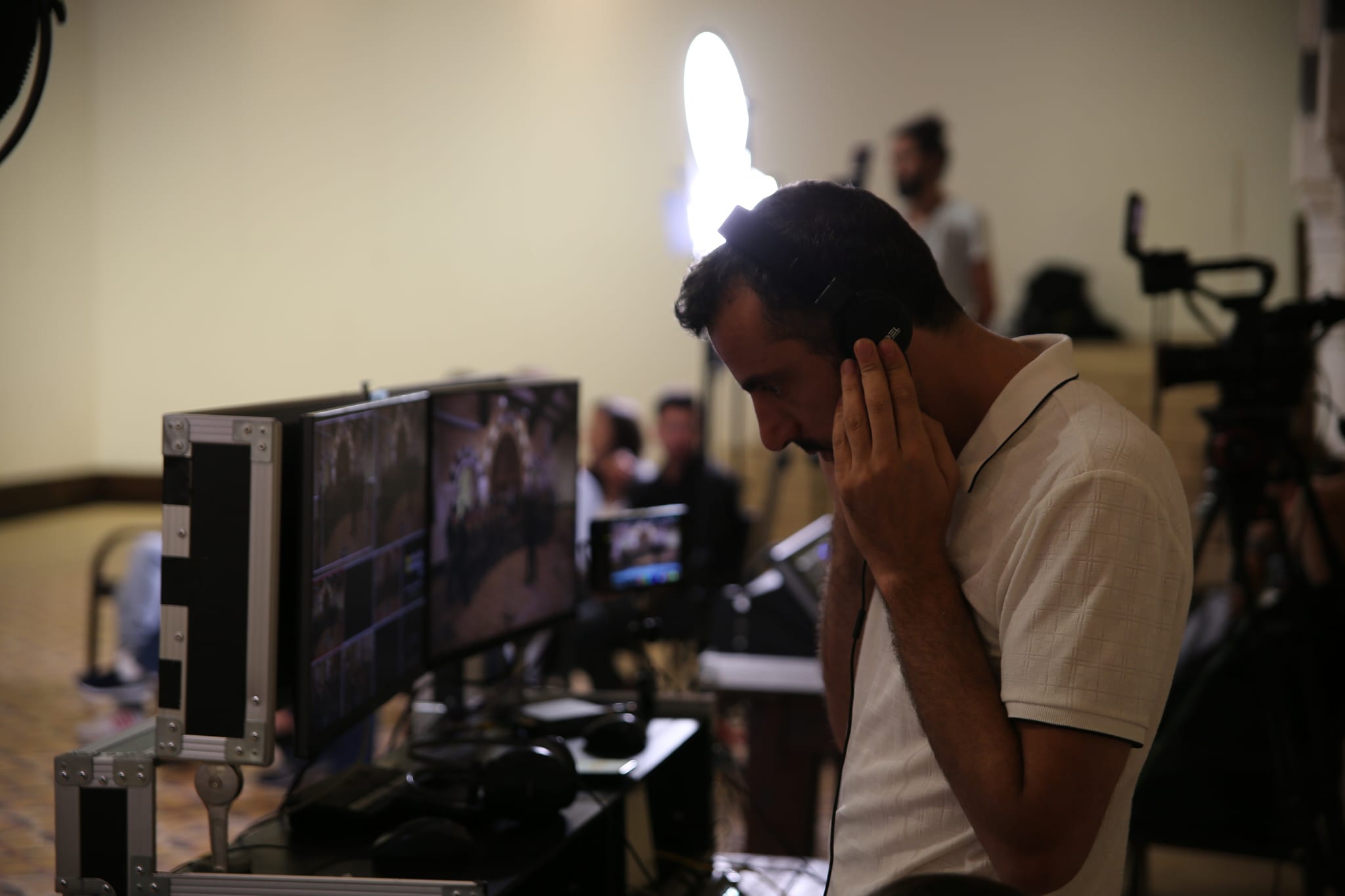
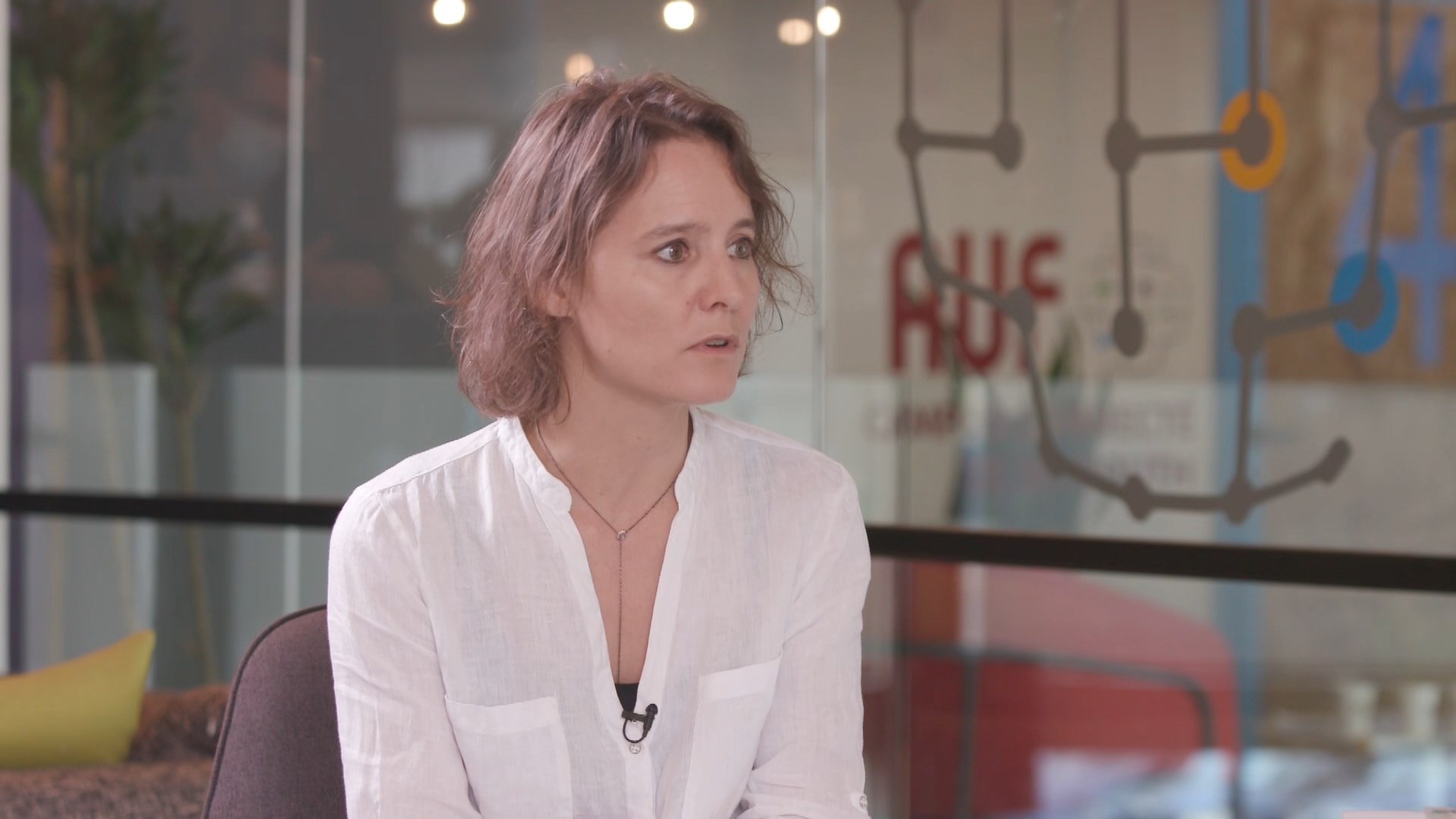
In our setup a remote speaker joins through a video call, and the call becomes one more source for the director to cut, alongside the cameras, slides and clips. Our system cuts up to eight sources in real time, remote guests included. The director can put the guest full screen, or side by side with the moderator on stage.
What makes this work is mostly on the speaker's side, so brief them as you would brief someone on stage:
- Wired internet if possible. A cable beats Wi-Fi, and the speaker should close other programs that use the connection.
- A headset or a quiet room. If the speaker hears the room through laptop speakers, the room hears itself back as an echo. Headphones prevent that.
- Camera at eye level and a plain background. A laptop on a desk looks up the speaker's nose; a stack of books fixes it.
- A rehearsal before the day. Ten minutes on the same software, at the same time of day, finds most problems.
- A phone number for the day. If the call drops, someone needs to reach the speaker without searching for the number.
Tell your production company about remote speakers when you book, so the guest is planned as a source and not improvised in the corridor on the morning.
How do slides and videos reach the online audience?
Slides are a source too. In a hybrid event it helps to decide who controls them. If each speaker plugs in their own laptop, there will be a pause and a flicker at every change of speaker. If one operator runs a single slide machine and the speakers send their files in advance, the cut is clean. Ask for the files a few days before the event, in the format you will use, and test any embedded video with sound.
Remote speakers raise one more question: whose slides do they present? The easiest answer is that the on-site operator advances their slides while they talk, and the speaker says "next" out loud. It is less elegant than sharing a screen, and it is far less likely to fail live.
How do you run Q&A between the room and online viewers?
Give questions from the online audience one person to collect them. That person, a moderator's assistant or a second host, reads the platform comments, groups similar ones and passes a short list to the moderator. If the moderator reads the comments live while also running the panel, online questions get dropped or answered late.
Latency matters here. A live stream always reaches viewers a few seconds behind the room. YouTube's own help page lists three latency settings. Normal latency is for non-interactive streams and gives viewers the fewest interruptions. Low latency, which it describes as under 10 seconds for most viewers, suits limited audience interaction such as polls. Ultra-low latency, under 5 seconds for most viewers, is for streams where you want to converse with the audience, and YouTube notes it increases the chance of viewer buffering and makes ingestion problems on your network more visible to viewers.
For a conference with moderated questions, a delay of several seconds is usually fine, because questions are collected in batches. Choose the faster settings only if the program truly needs back-and-forth with the online audience, and accept the extra risk.
How much internet does a hybrid event need?
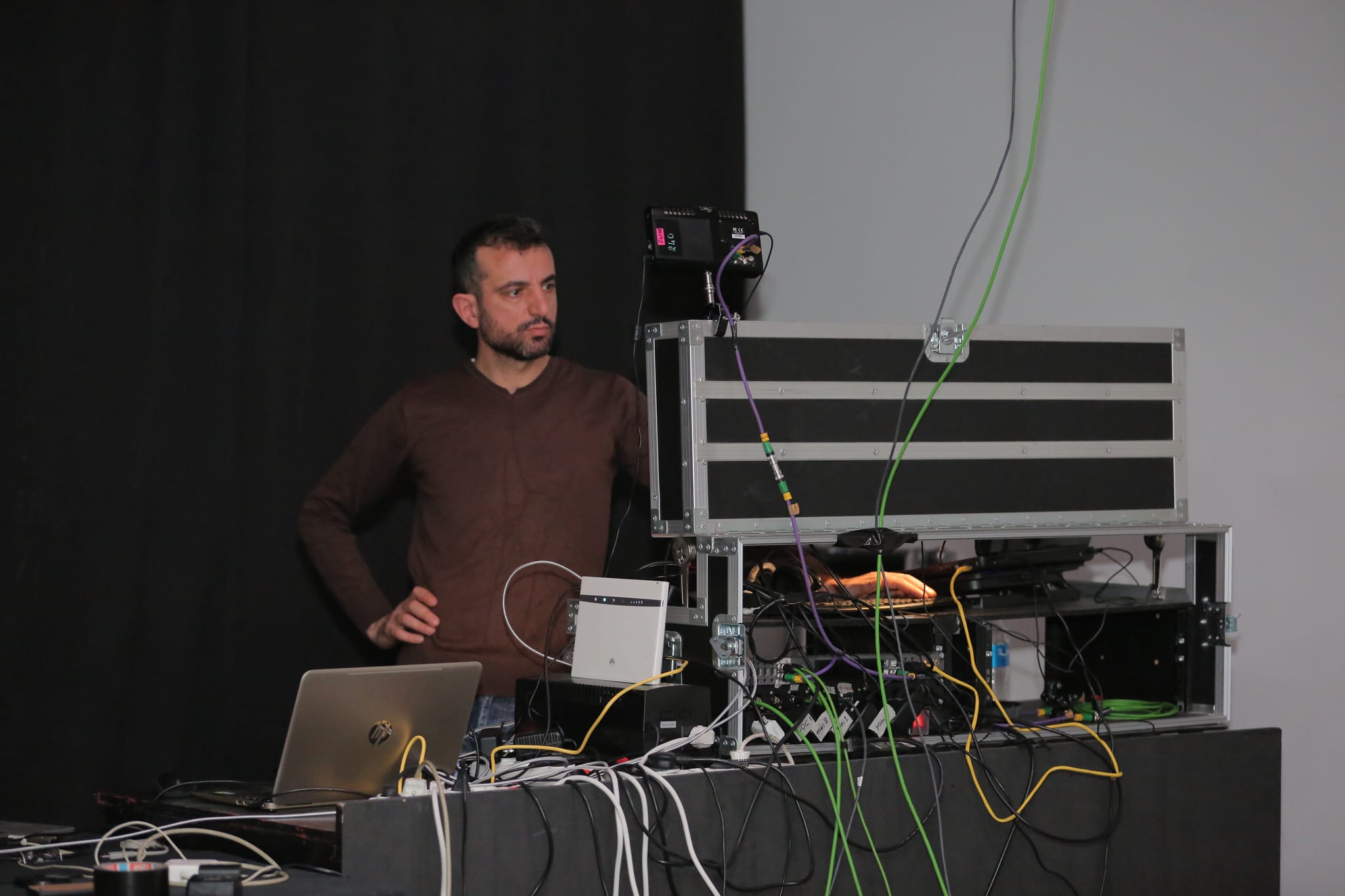
Streaming is uploading, so the number that matters is the venue's upload speed, not the download speed people quote for their home connection. For a sense of scale, YouTube's encoder guidance lists, for a 1080p stream at 30 frames per second using H.264, a recommended video bitrate of 14 Mbps and a minimum of 5 Mbps. The same page lists 8 Mbps recommended for 720p at 30 frames per second. Audio adds a little more.
Those figures are for one output. A hybrid event also carries the remote speakers' calls coming in, so the venue connection has traffic in both directions. Three practical consequences:
- Ask the venue for a dedicated wired line, and for the upload speed in writing, then have your production team test it before the day.
- Keep the audience's phones off the same network as the stream. A room of people on shared Wi-Fi can slow the line the stream relies on.
- Ask your production company how the stream reaches each platform and what happens to the others if one platform has trouble. We send to YouTube, Facebook and Instagram at the same time as standard, and can run separate custom feeds beside the main one when an event needs them.
Our live streaming cost guide explains how connection, cameras and crew affect the quote.
How do you make a hybrid event accessible, with captions, languages and sign language?
Accessibility is easiest to add at planning stage. The W3C's Web Content Accessibility Guidelines include a criterion for live events, success criterion 1.2.4, which says captions are provided for all live audio content in synchronized media. It sits at Level AA. It is a web standard rather than a Lebanese legal rule, but it is a reasonable benchmark when donors or institutions ask you to make an event accessible.
Languages are the other decision. If your event uses more than one language on stage, decide whether online viewers get the same mix as the room, or a separate feed in one language, and say so early. Custom feeds can run beside the main program, but each extra feed needs planning for audio sources and, if you want it, interpreters.
Sign language is a separate request. We build sign language interpretation into video productions in Lebanese, Jordanian and Palestinian sign languages. If you want an interpreter visible in a live program, raise it when you first ask for a quote, because an interpreter needs a camera, lighting and a place on screen. For the recorded version of the event, our guide to sign language in Arabic video content explains the options.
What can go wrong at a hybrid event, and what is the plan?
Most hybrid failures sit in the same few places. A good plan names each one and has an answer ready:
- The remote speaker drops. Have the phone number, a backup way in (a phone dial-in, a second device) and a moderator who can fill two minutes.
- The venue connection weakens. Test it beforehand. Keep a second connection in reserve if the event cannot be repeated.
- The echo. Remote speakers should hear the room through headphones, never through a speaker next to their microphone.
- The slides freeze. One operator, one machine, files delivered in advance.
- The online audience goes quiet. Someone has to welcome them, read their questions and name them on stage.
One more safeguard sits in the recording. In our setup every camera and audio channel is recorded in isolation, separately from the live cut. If the live stream stumbles, clean material still exists for the edited version, and edited deliverables follow in a few working days. That is also how one conference becomes highlight reels and session videos. For events that are recorded rather than streamed, see our guide to event videography in Beirut.
What should you send a production company to get a hybrid event quote?
A hybrid event quote needs more detail than a standard stream. Send:
- The date, venue, running hours and expected size of the in-room audience.
- How many speakers are remote, where they are, and whether they speak at fixed times.
- Which platforms you want to stream to, and whether the audience needs to log in or register.
- How online questions are collected and who moderates.
- The languages on stage and in the stream, and whether you need captions or sign language.
- Whether the venue has a wired line, and its upload speed.
- What you want afterwards: full session recordings, a highlight film, social clips.
Smaller hybrid formats, such as a talk, an interview or a product demonstration, can also go out from our Hamra studio, which streams to several platforms at once with video calls and presentations brought into the picture. For event coverage in general, see our event activations page, and what live streaming services include and how to choose.
Talk to us
If you are planning a hybrid conference in Lebanon or the region, send us the answers above and we will tell you what the event needs. Email info@finelineprod.com, call +961 1 741 744, or use the contact page.