
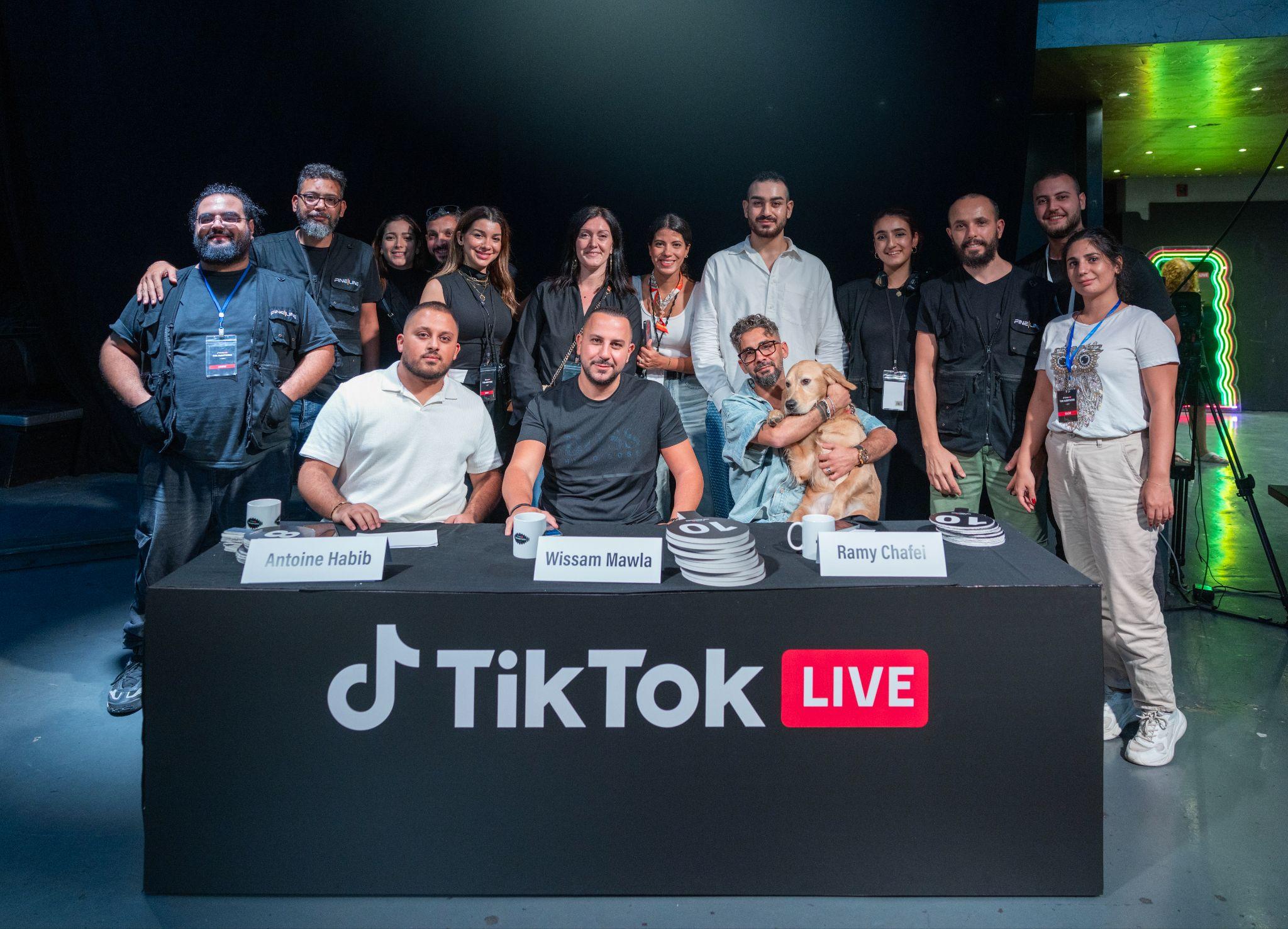
If you are organizing a conference, a launch or a panel and someone says "we should stream it", this article explains what that actually involves. No jargon, just what happens between the stage and the screen, and what you as the organizer need to prepare.
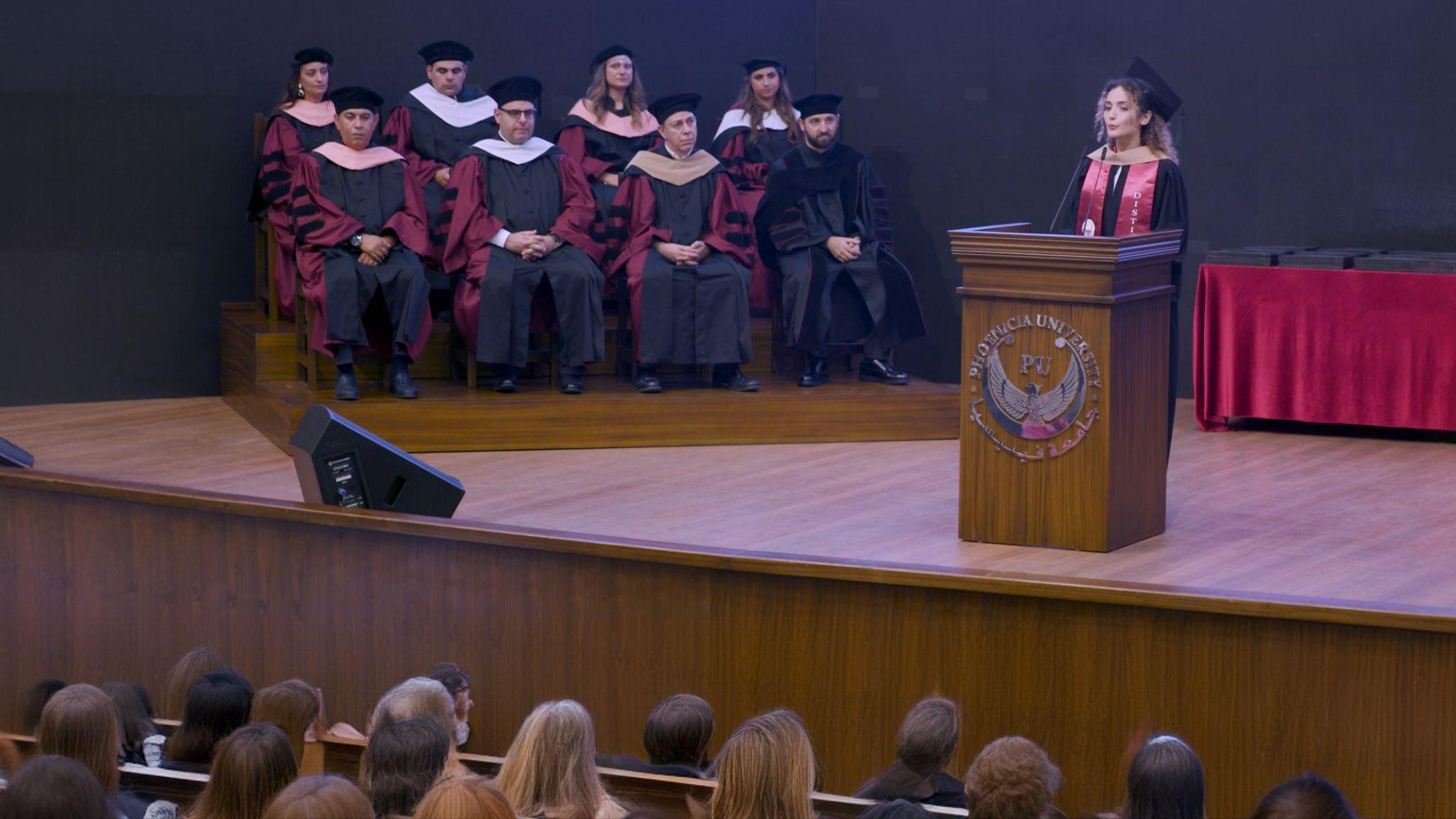
We are Fine Line Production in Beirut. Live coverage and streaming is one of our core services, and we have streamed for organizations including the Agence Universitaire de la Francophonie, Phoenicia University, the Peace Research Institute Oslo, Mercy Corps, the Friedrich Naumann Foundation, Jusoor and OHCHR, from innovation hubs to remote field sites. This guide is written from that experience.
What a live stream actually is
A live stream is three things happening at once:
- Sources. Everything that can appear on screen: the cameras pointed at the stage, the speaker's slides, pre-made videos, and remote guests joining from elsewhere.
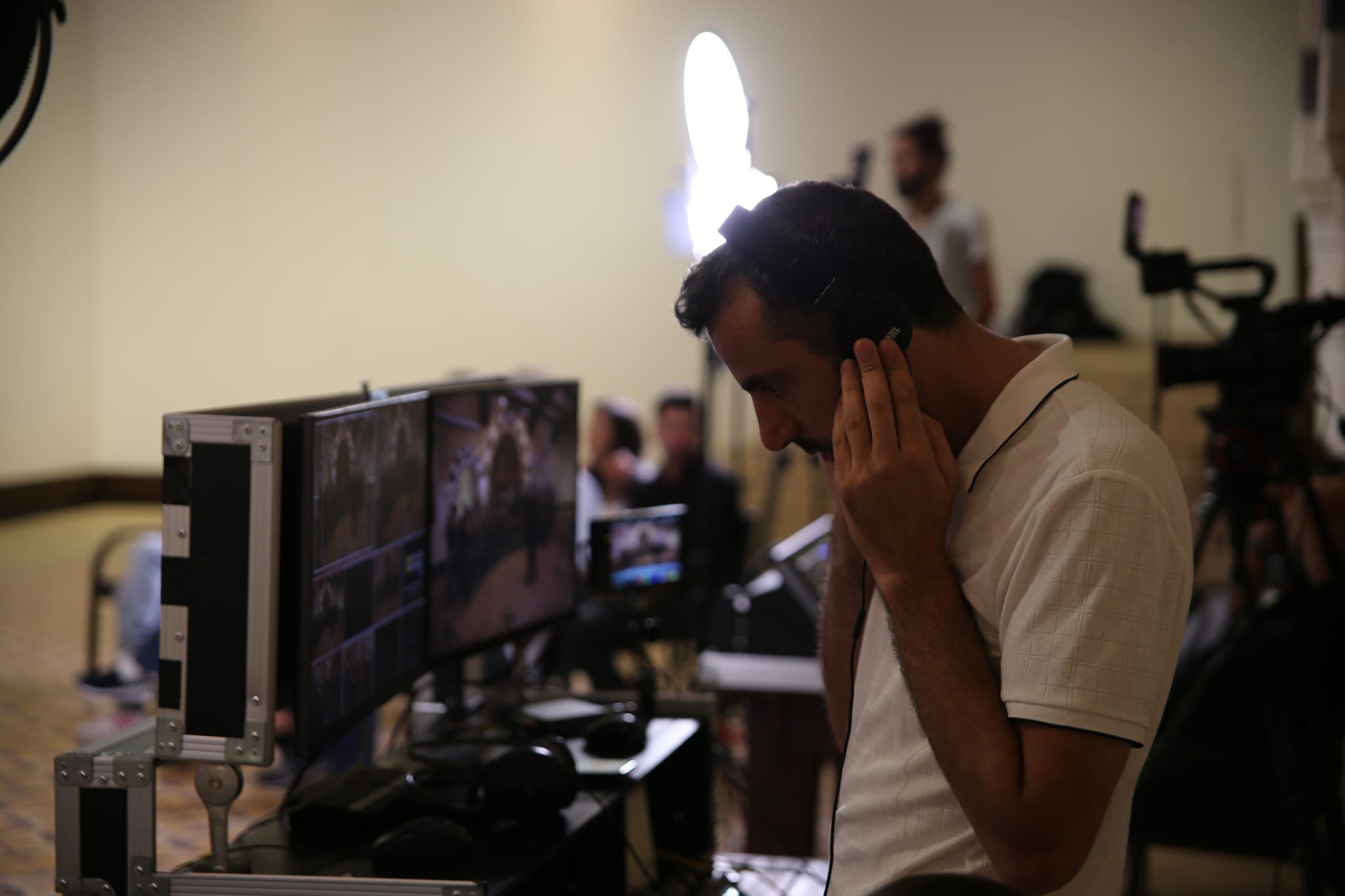
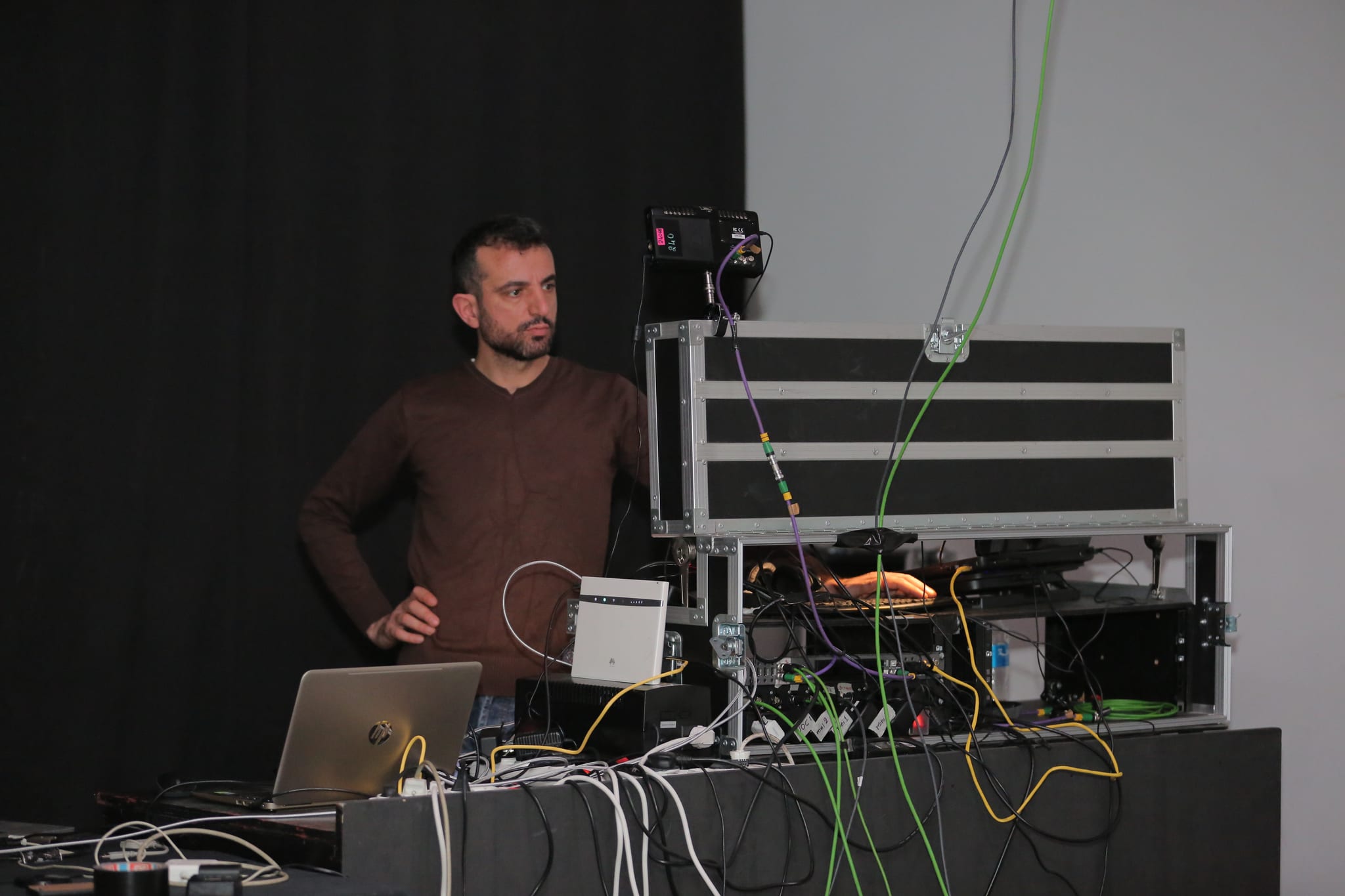
- The live cut. A director sits at a control desk, sees all the sources at once, and chooses what the audience sees moment to moment: the wide shot, the close-up, the slides, the video clip. This is the difference between a stream and a webcam.
- The output. The chosen picture and sound go out to the platforms where your audience is watching, and are recorded at the same time.
Our own system cuts up to eight sources in real time, and on a typical event we run four to five cameras at 6K.
Where the stream goes
A stream is not tied to one platform. The same program can go to YouTube, Facebook and Instagram at the same time, so your audience watches wherever they already are, and when an event calls for it, separate custom feeds can run alongside the main one.
Which platforms to use is a decision worth making early, because it shapes the format. It also affects how people find the event afterwards, since the stream stays on the platform as a video after it ends.
Remote speakers
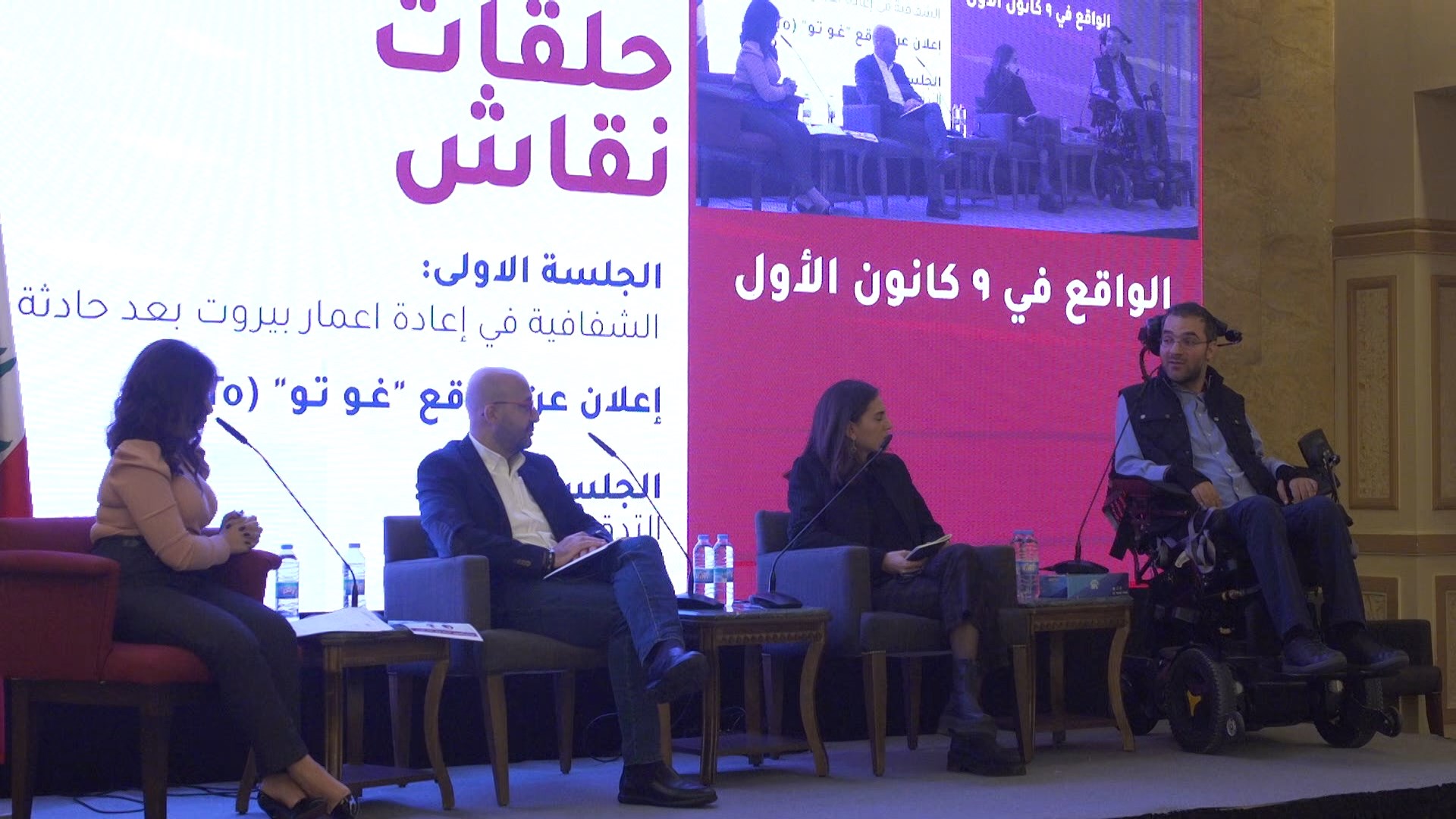
A panelist who cannot travel can still be in the program. A remote guest joins through a call, and the director cuts them in like any other source, full screen or side by side with the moderator on stage. For the audience, they are simply part of the event. If you know a speaker will join remotely, say so when you book the stream, so it is planned as a source rather than improvised on the day.
Sound is half the stream
Viewers forgive an average picture. They leave over bad sound. The stream's audio comes from the event's microphones, which means the stream and the venue's sound system have to work together. This is one of the main things a production team coordinates with the venue before the day.
What the venue needs to provide
Three practical things make or break a stream on location:
- Internet. A stream is uploaded, so the venue's connection needs reliable upload capacity, ideally a wired line rather than shared Wi-Fi. Tell your production company the venue early so the connection can be checked before the day, not during it.
- Power and a working position. The control desk, with the director and the equipment, needs a spot with power, ideally with a clear view of the stage.
- An audio feed. A connection from the venue's sound system, so the stream hears exactly what the microphones pick up.
None of this is exotic, but it is the checklist behind a smooth stream. When we quote for an event, checking the venue against this list is part of the job.
What happens after the event
The stream itself stays online as a video on the platforms it went to. But there is more material than that. In our setup, every camera and every audio channel is recorded in isolation during the event, separately from what the director cut live. That means clean material is ready for editing straight afterwards: highlight reels, session-by-session videos, social clips of the best moments. Edited deliverables follow in a few working days.
If you plan those edits before the event, the coverage is designed for them. That is how one streamed conference becomes a week of social content instead of one long video nobody rewatches.
What to tell a production company when you ask for a quote
You will get an accurate answer fastest if your first message includes:
- The date, the venue and the running hours.
- What kind of event it is, and roughly how big.
- Which platforms it should stream to.
- Whether any speakers join remotely.
- The languages on stage.
- Whether you want edited videos afterwards, and what kind.
Talk to us
If you are planning an event in Lebanon or the region and want it streamed properly, we would be glad to help. Email info@finelineprod.com, call +961 1 741 744, or use the contact page. You can see more on our live streaming page and the event activations page.